6 posts tagged with "cli"

View All Tags

Text, Structure, Meaning: grep, ast-grep and a Local LLM Classifier

· 18 min read
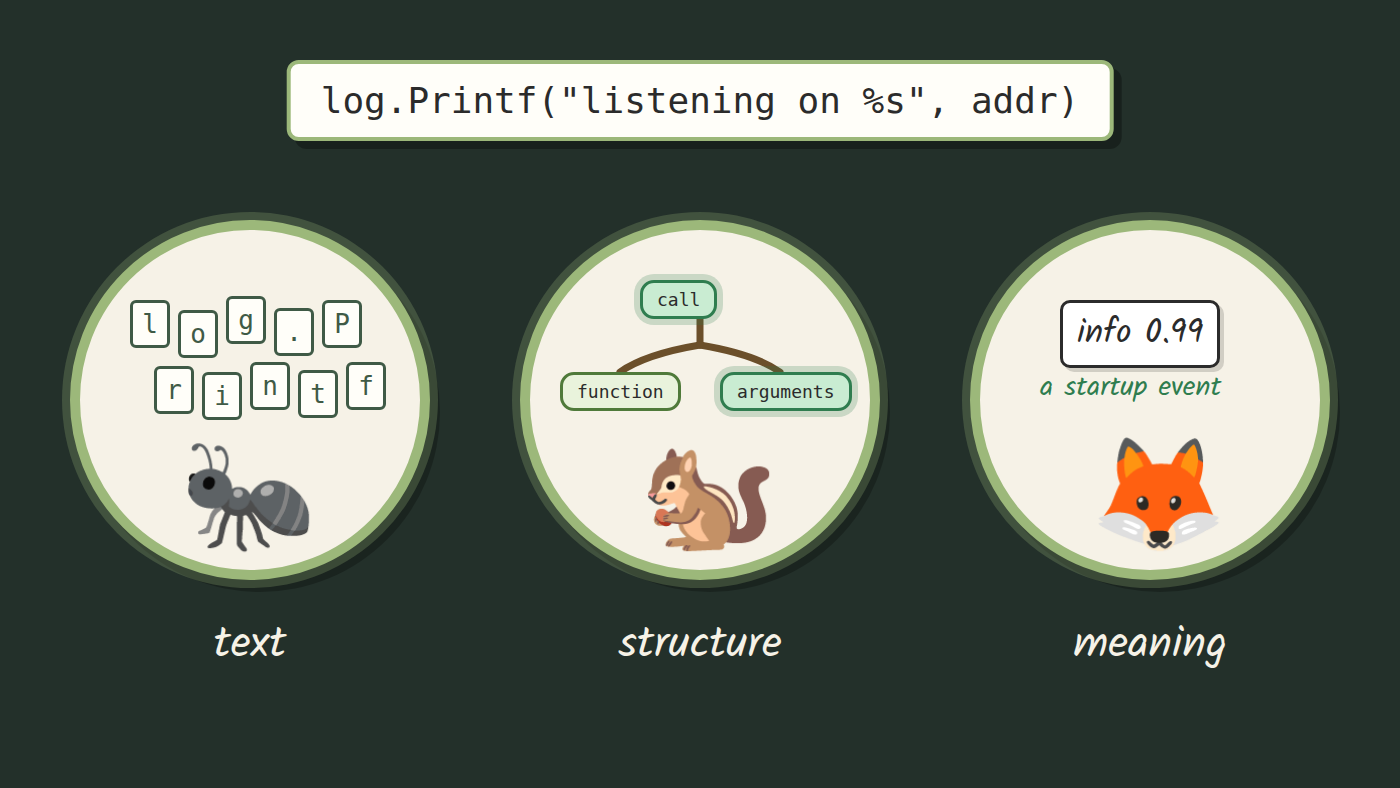
Three readers looking at the same line of code: one sees letters, one sees a tree, one sees what the line is for

Introduction​

Every codebase eventually needs the same change in many places: a library swap, an API that changed shape, a convention the team agreed on last week. You know the usual options. Find and replace sees only text. Doing it by hand works for ten places and falls apart at three hundred. An AI assistant will happily make all three hundred edits, and then someone has to review each one.

In this blog, we will look at three tools that read code at three different levels. grep reads text. ast-grep reads structure, the syntax tree your editor already builds. A small local model, asked through classif, reads meaning. They are separate tools, each takes the part of the job it can see, and the interesting part is where each one stops.
Seven Ways to Edit Many Lines in Neovim, Scored in Keystrokes

· 11 min read

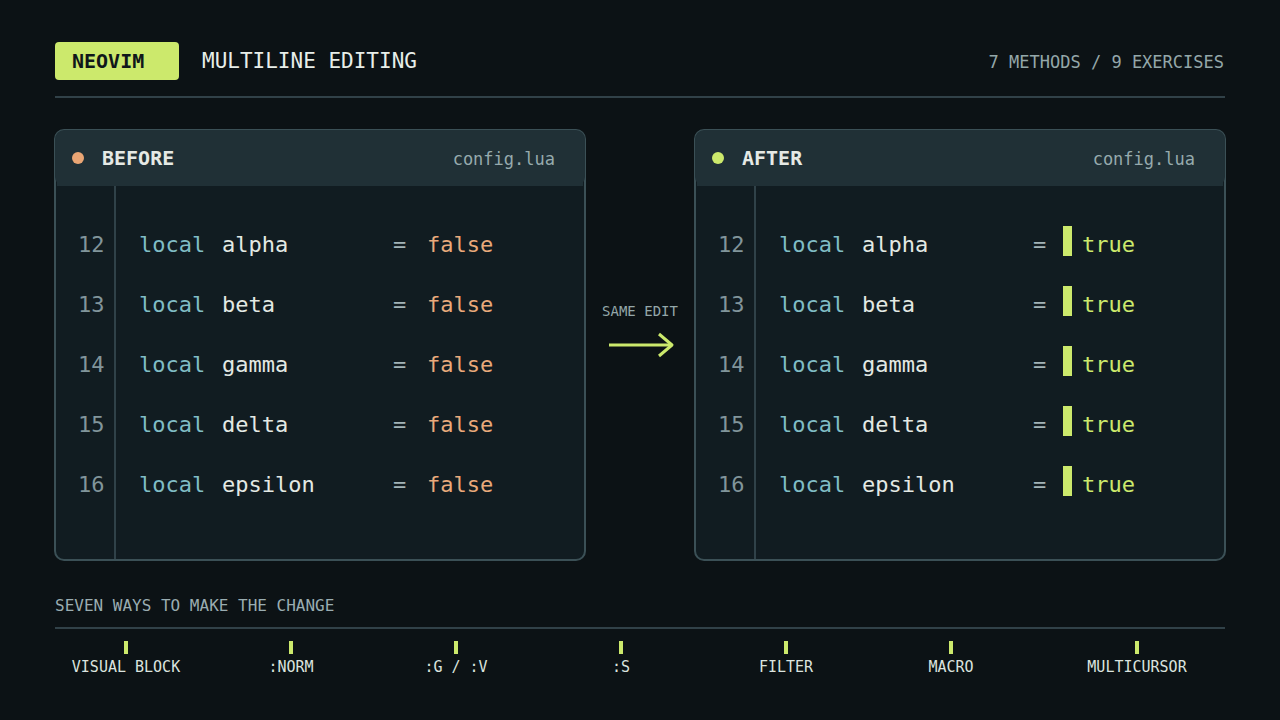
Cursors sitting at the same spot on every line of a terminal editor

Sooner or later you make the same small edit on line one, then line two, then line three. Neovim has had several ways to avoid that loop for years, and a newer one arrives with 0.13: built-in multicursor. This post walks through each method with a small example, covers multicursor in depth, and ends with a rule of thumb and a keystroke count for nine exercises. Multicursor is available only in nightly builds until Neovim 0.13 ships; every other method works in any Neovim, and in Vim.

The post goes with the video Neovim Multi-Line Editing Overview, Multicursor Included, which plays three of the exercises live.

Paste tmux Scrollback by Typing the Words You Remember

· 9 min read

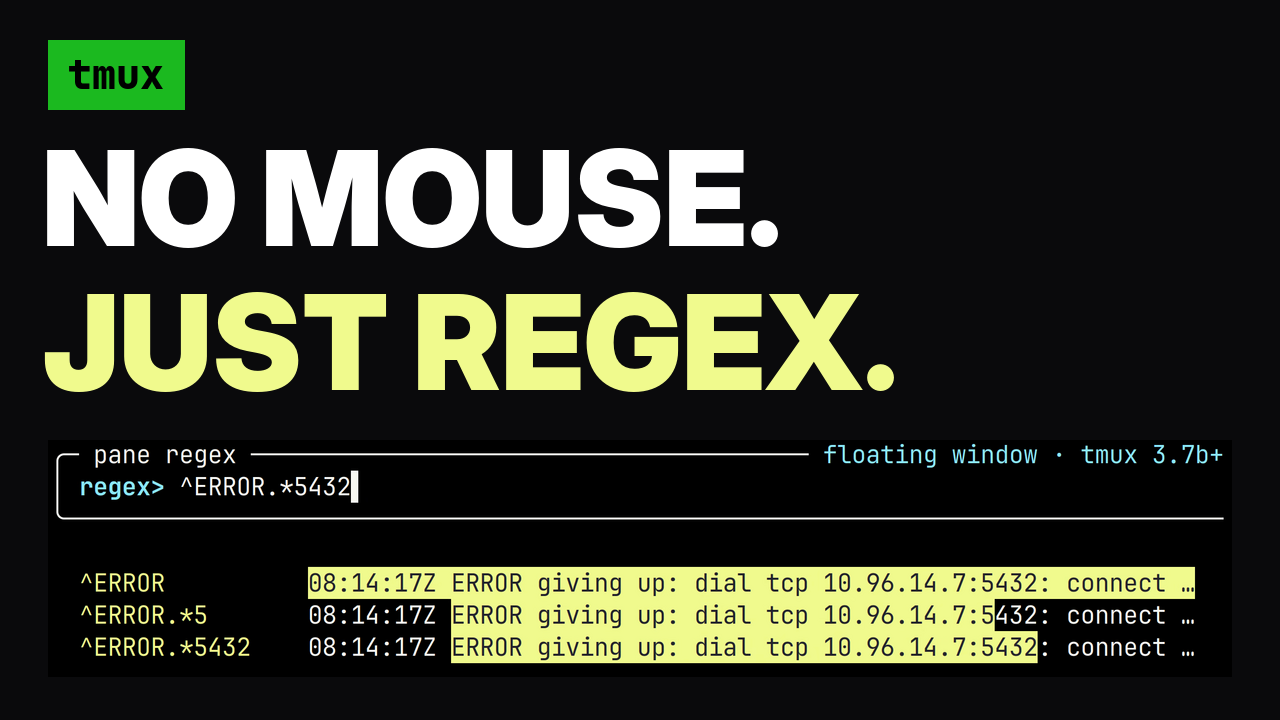
tmux pane regex picker highlighting an error in scrollback

The text you need next is usually already on your screen. A pod name three commands back, the error string you want to search for, a URL a tool printed, the long flag you typed twenty minutes ago. Getting it into your current prompt means reaching for the mouse, and the mouse gets it wrong: a soft-wrapped line comes back with a newline in the middle, and a newline in a shell paste runs the command. This post covers a tmux plugin that selects the range by the words you remember, shows you the selection in the real pane while you type, and pastes it without submitting it.

Stop Holding Arrow Keys (Fuzzy Jump to Any Word on Your Command Line)

· 5 min read

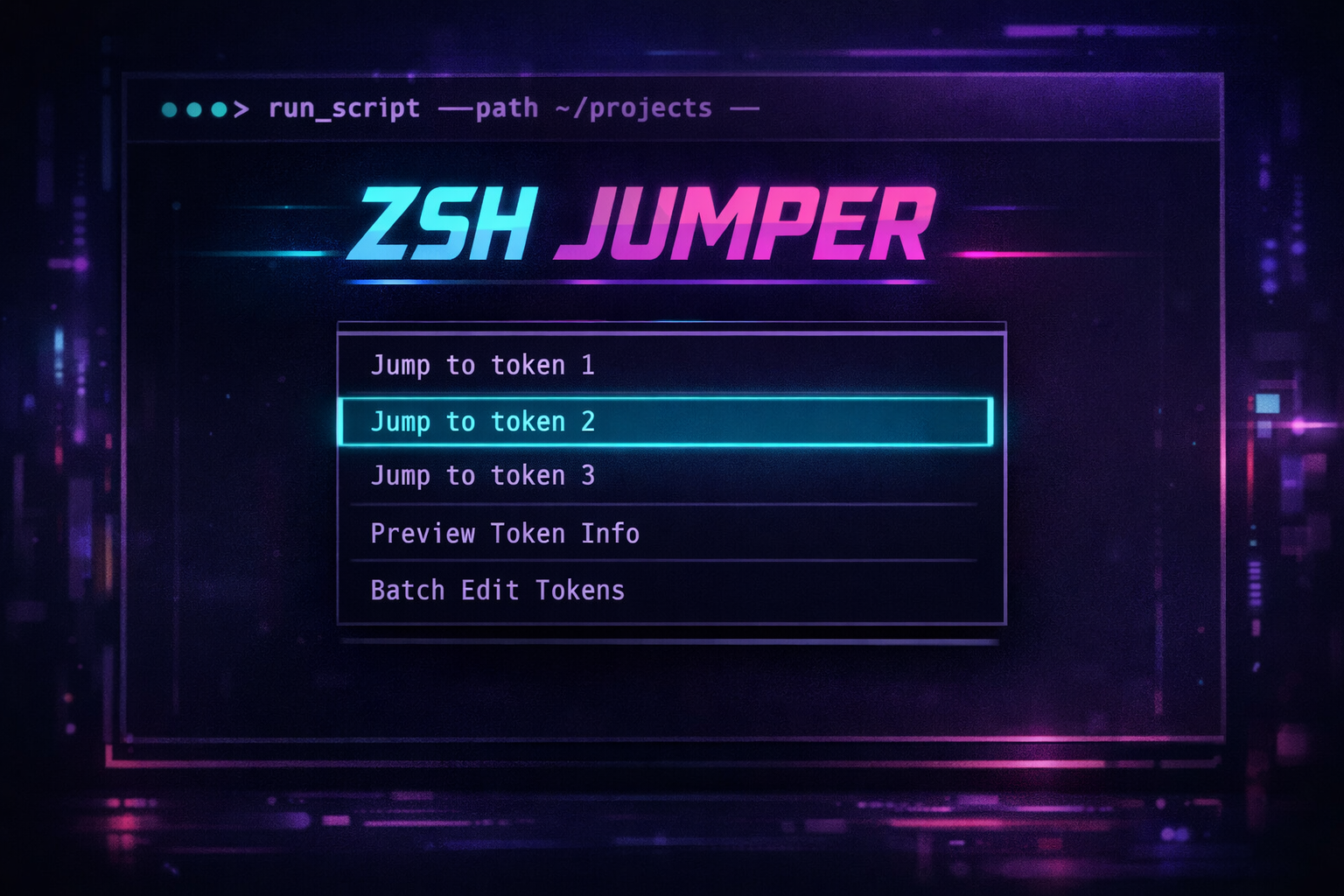
zsh-jumper

You've typed a 10-word kubectl command. You realize the namespace is wrong. Now you're holding Ctrl+Left six times to get there. Or worse, reaching for the mouse.

Vim solved this for text editing decades ago. Why are we still navigating command lines like it's 1985?

zsh-jumper brings fuzzy search to command line navigation. Press a key, pick a word, cursor jumps there. Or press ; and a letter for instant EasyMotion-style jumps.

Portable Kubernetes Management With Kubectl in Docker Container

· 7 min read

Image by Julius Silver from Pixabay

Portable Kubernetes management with kubectl in Docker container​

Saying that Kubernetes is becoming mainstream would be an understatement. In fact, it has influenced how modern distributed systems are designed and operated. By abstracting away infrastructure concerns we are able to leverage Kubernetes as a “platform to build platforms” or “cloud operating system” with lots of obvious benefits, but also development and operational challenges.