5 posts tagged with "terminal"

View All Tags

Seven Ways to Edit Many Lines in Neovim, Scored in Keystrokes

· 11 min read
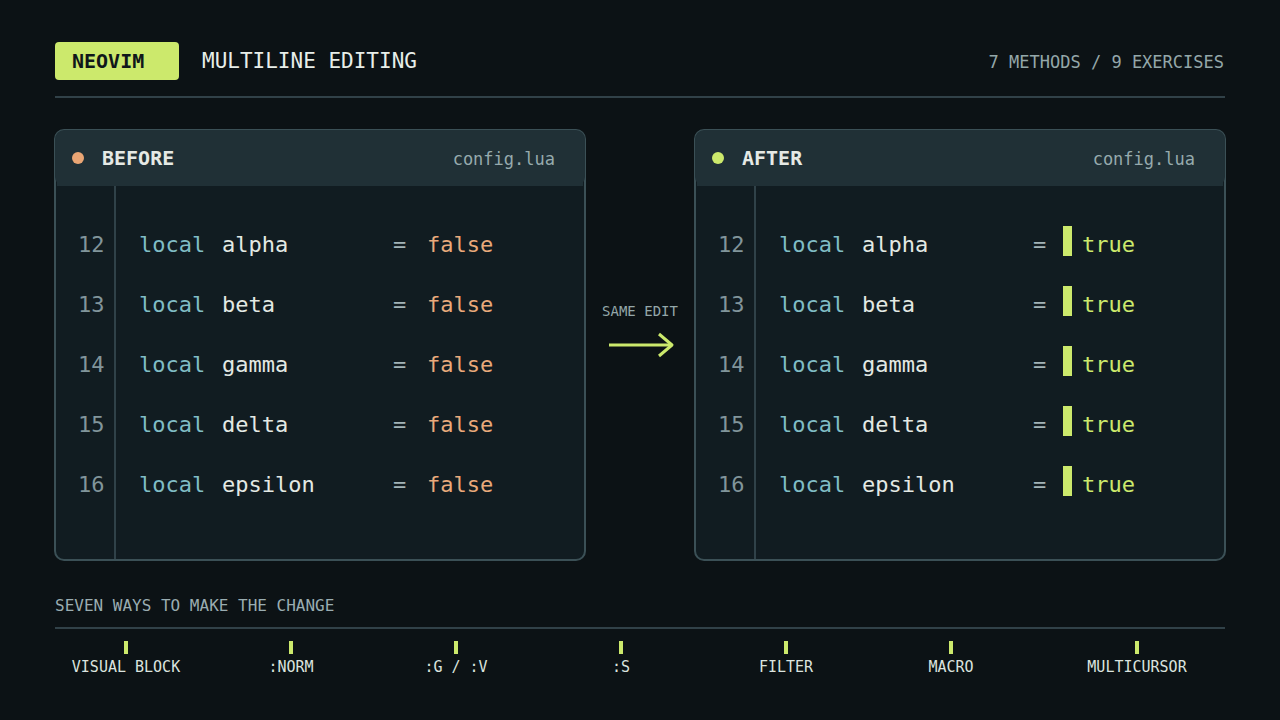
Cursors sitting at the same spot on every line of a terminal editor

Sooner or later you make the same small edit on line one, then line two, then line three. Neovim has had several ways to avoid that loop for years, and a newer one arrives with 0.13: built-in multicursor. This post walks through each method with a small example, covers multicursor in depth, and ends with a rule of thumb and a keystroke count for nine exercises. Multicursor is available only in nightly builds until Neovim 0.13 ships.

Paste tmux Scrollback by Typing the Words You Remember

· 9 min read

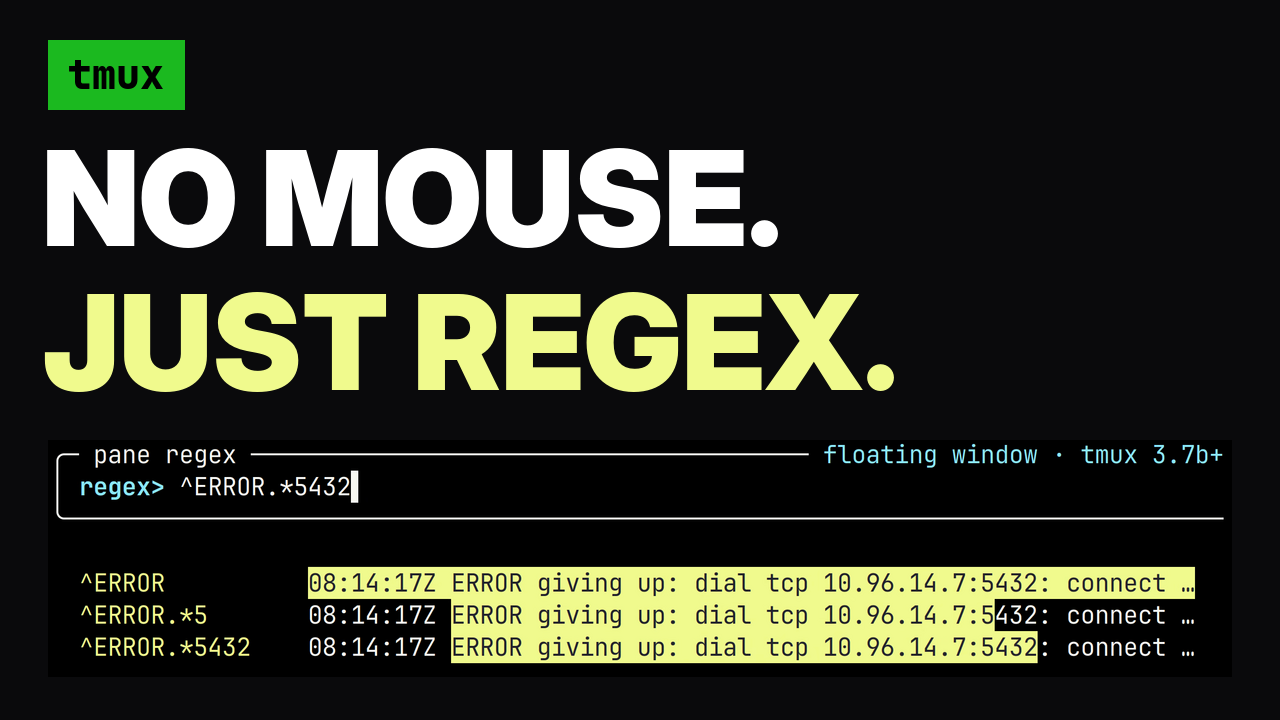
tmux pane regex picker highlighting an error in scrollback

The text you need next is usually already on your screen. A pod name three commands back, the error string you want to search for, a URL a tool printed, the long flag you typed twenty minutes ago. Getting it into your current prompt means reaching for the mouse, and the mouse gets it wrong: a soft-wrapped line comes back with a newline in the middle, and a newline in a shell paste runs the command. This post covers a tmux plugin that selects the range by the words you remember, shows you the selection in the real pane while you type, and pastes it without submitting it.

Stop Holding Arrow Keys (Fuzzy Jump to Any Word on Your Command Line)

· 5 min read

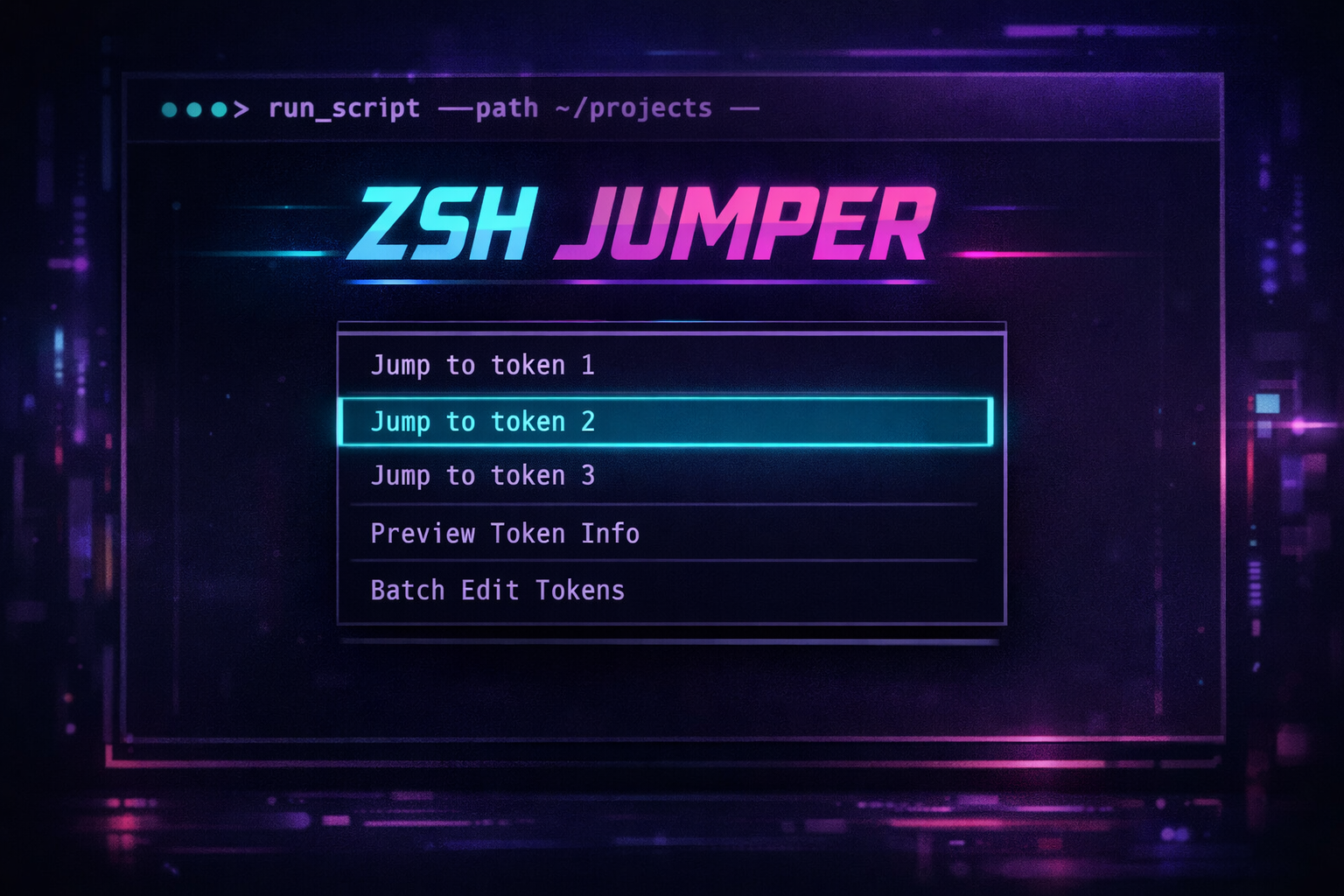
zsh-jumper

You've typed a 10-word kubectl command. You realize the namespace is wrong. Now you're holding Ctrl+Left six times to get there. Or worse, reaching for the mouse.

Vim solved this for text editing decades ago. Why are we still navigating command lines like it's 1985?

zsh-jumper brings fuzzy search to command line navigation. Press a key, pick a word, cursor jumps there. Or press ; and a letter for instant EasyMotion-style jumps.

10 Neovim Features You're Probably Installing Plugins For

· 6 min read

Neovim Built-in Features

You install a plugin for multi-cursor editing. Another for shell integration. A third for incremental search preview. Your plugin count grows, startup time increases, and you debug compatibility issues between packages.

Most of these features exist in vanilla Neovim. Have existed since Vim 7. Here are 10 built-in features that replace common plugins.

Your Shortcuts YAML is Always Outdated (Parse Config Files Instead)

· 4 min read

Shortcuts Help

You add a new tmux binding. A week later you're hunting through .tmux.conf because you can't remember what you mapped to prefix + g. The shortcuts.yaml you maintain? Three months out of date.

The problem isn't discipline. It's architecture. Any system requiring manual sync between source of truth (config files) and documentation (shortcuts file) will drift.

Parse your config files directly. For workflows that don't map to a single keybinding, use tealdeer custom pages. One popup, two modes, zero maintenance.